 HTTP 2 Phone
Text from your computer, through your Android phone.
HTTP 2 Phone runs a small web server on your phone. Open its address in any browser on the same network to send texts, message a whole list from a spreadsheet, or text your contacts. The messages go out from your phone, with your number.
No account, no cloud service, no ads. Your messages and contacts never leave your phone and your own network.
Everything happens on your phone
Your computer does the typing; your phone does the sending. There's nothing to sign up for and nothing to install on the computer: any modern browser will do.
Send from any browser
Type a number and a message on a full-size keyboard. Send to several numbers at once; long messages are split and joined up automatically.
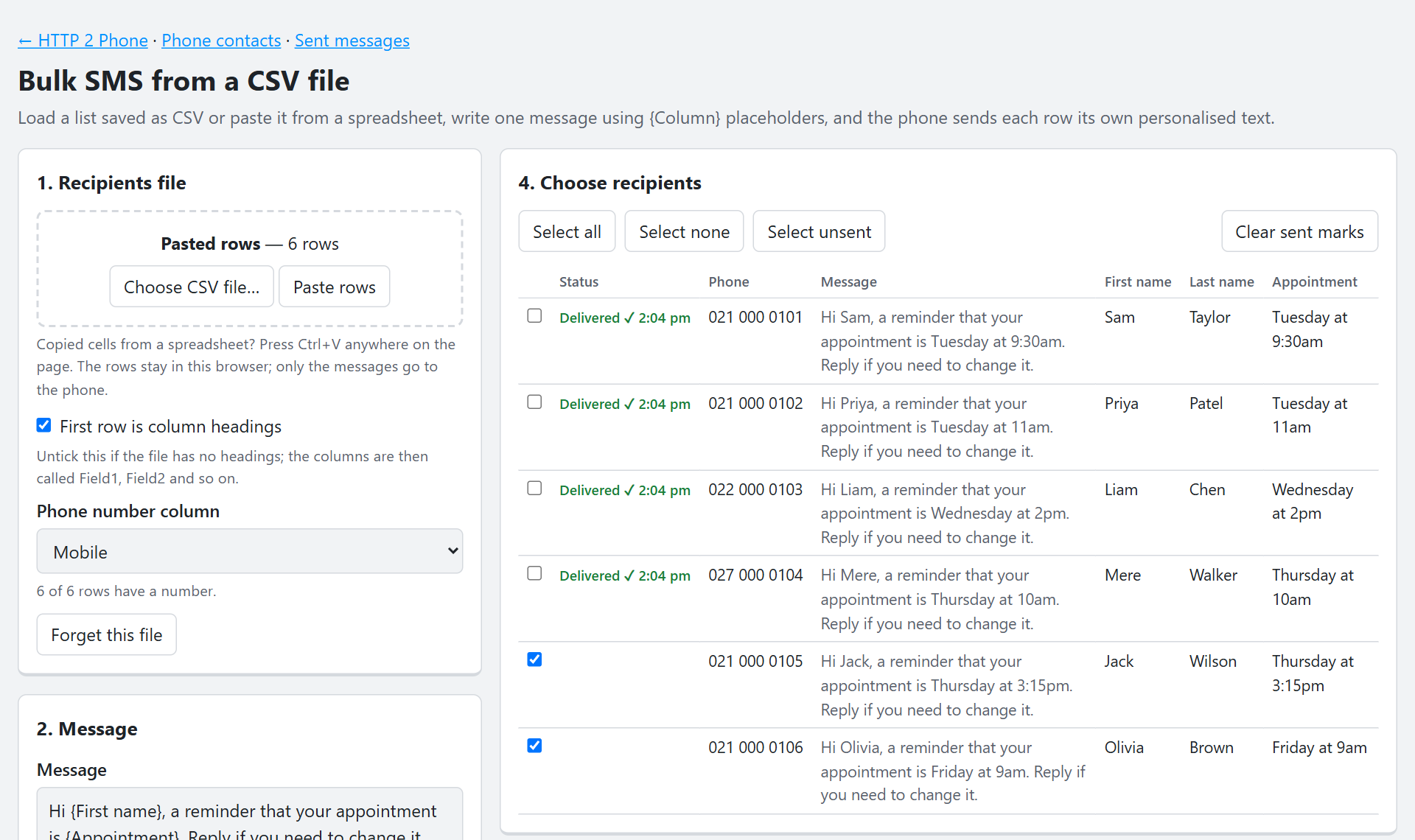
Personalised texts from a spreadsheet
Paste rows from Excel or Google Sheets, or load a CSV file. Write one message with {First name}-style placeholders and every row gets its own text.
Text your contacts
Pick people from the phone's contacts, filtered by name, company, label or favourites, and send each one a message with their details merged in.
Delivery reports
See each message go from Sending to Sent, then Delivered when the network confirms it. Search the history, download it, or resend one that failed.
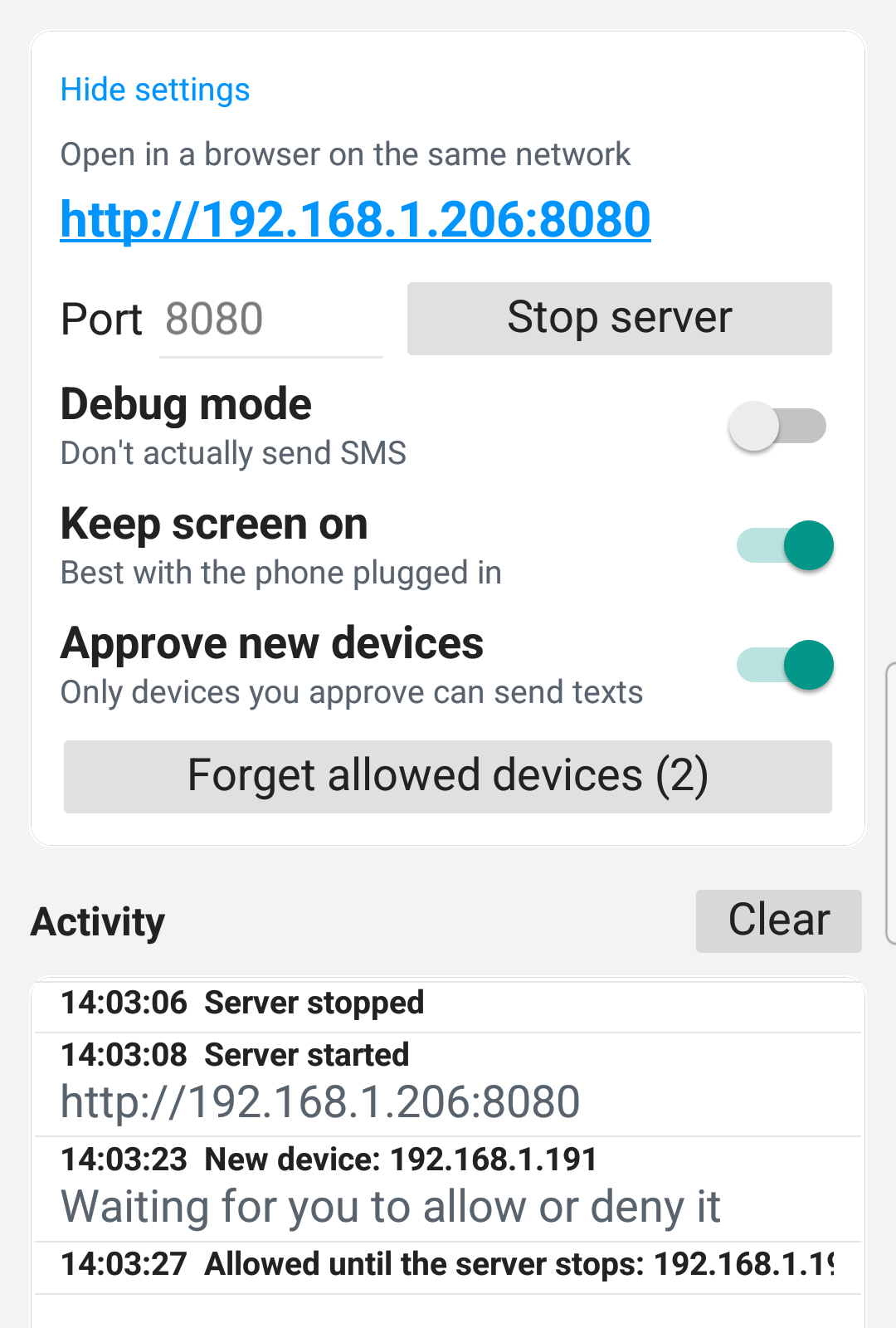
You approve every device
The first time a computer connects, the phone asks whether to allow it once, always, or not at all. Nothing is sent until you say yes.
A simple API for scripts
Send texts from your own software with one HTTP request, then ask for the delivery status. Works with curl, PowerShell or any language.
Dual-SIM aware
On a phone with two SIMs, choose which one sends, as a setting or for each message.
Calls too
Enter a number in the browser and the phone dials it, so you can pick up the call on the phone or a headset.
Up and running in a minute
-
Install and open the app
Allow it to send texts and make calls when Android asks. The server starts straight away.
-
Open the address it shows
The app shows an address such as
http://192.168.1.206:8080. Type it into a browser on a computer on the same Wi-Fi. -
Approve the computer
Tap Allow always on the phone and that computer won't be asked again.
-
Start texting
Send a single message, paste a list, or pick from your contacts. Keep the phone plugged in and the app open while it works.
A closer look
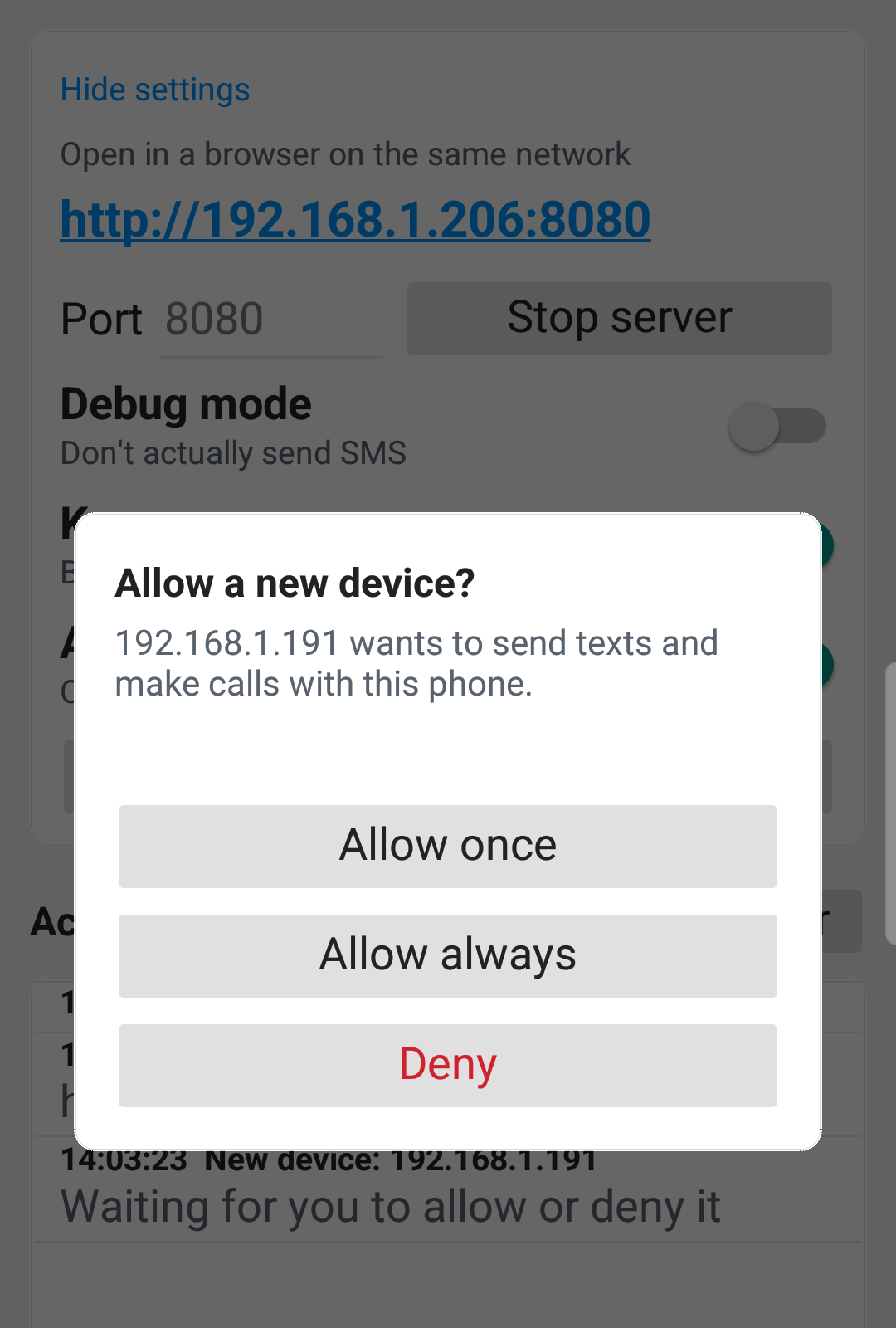
Text your contacts
Your phone's contacts appear in the browser, ready to search and filter. Each person gets the message with their own first name, company or job title filled in, and a contact with no first name can get a fallback such as "there".
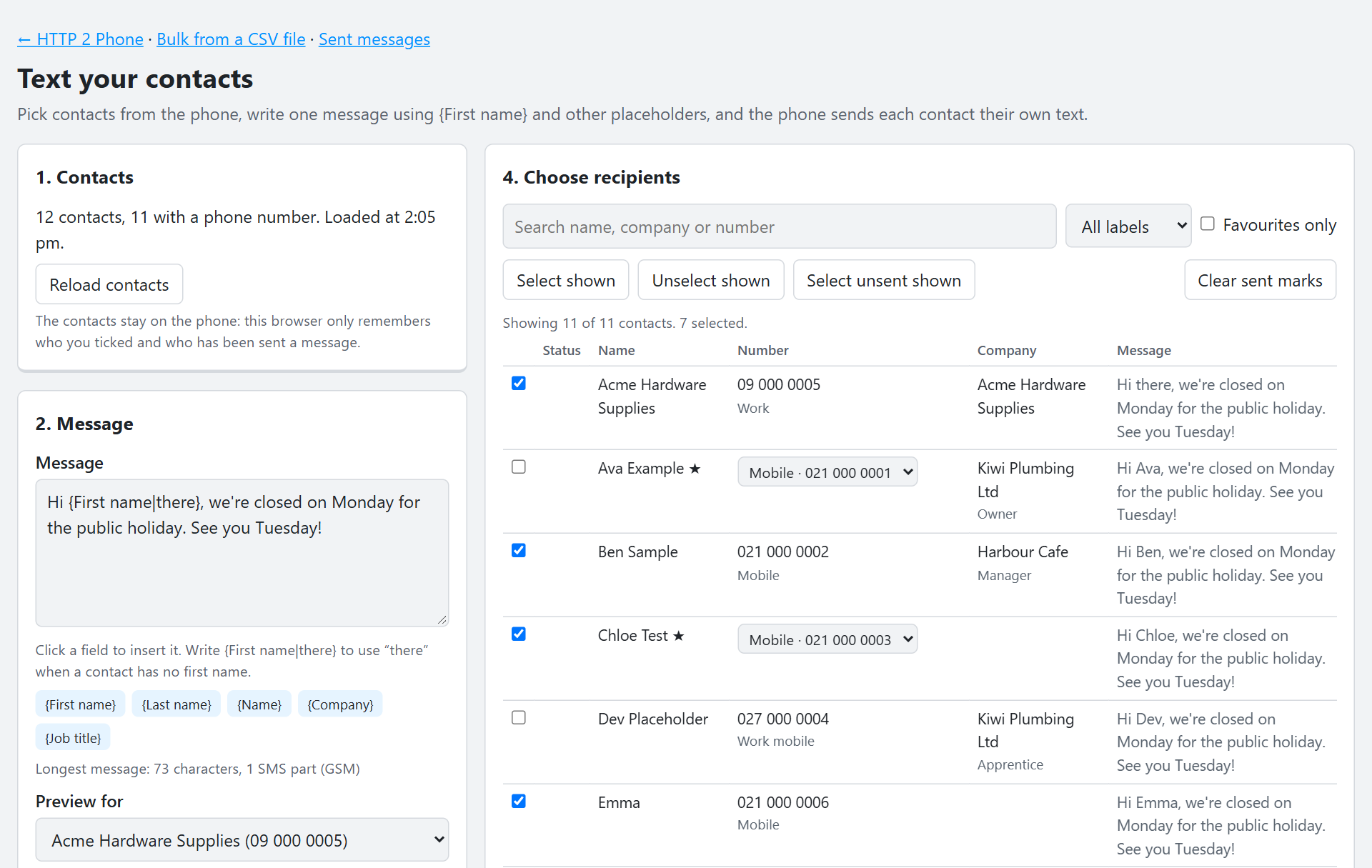
Know what was delivered
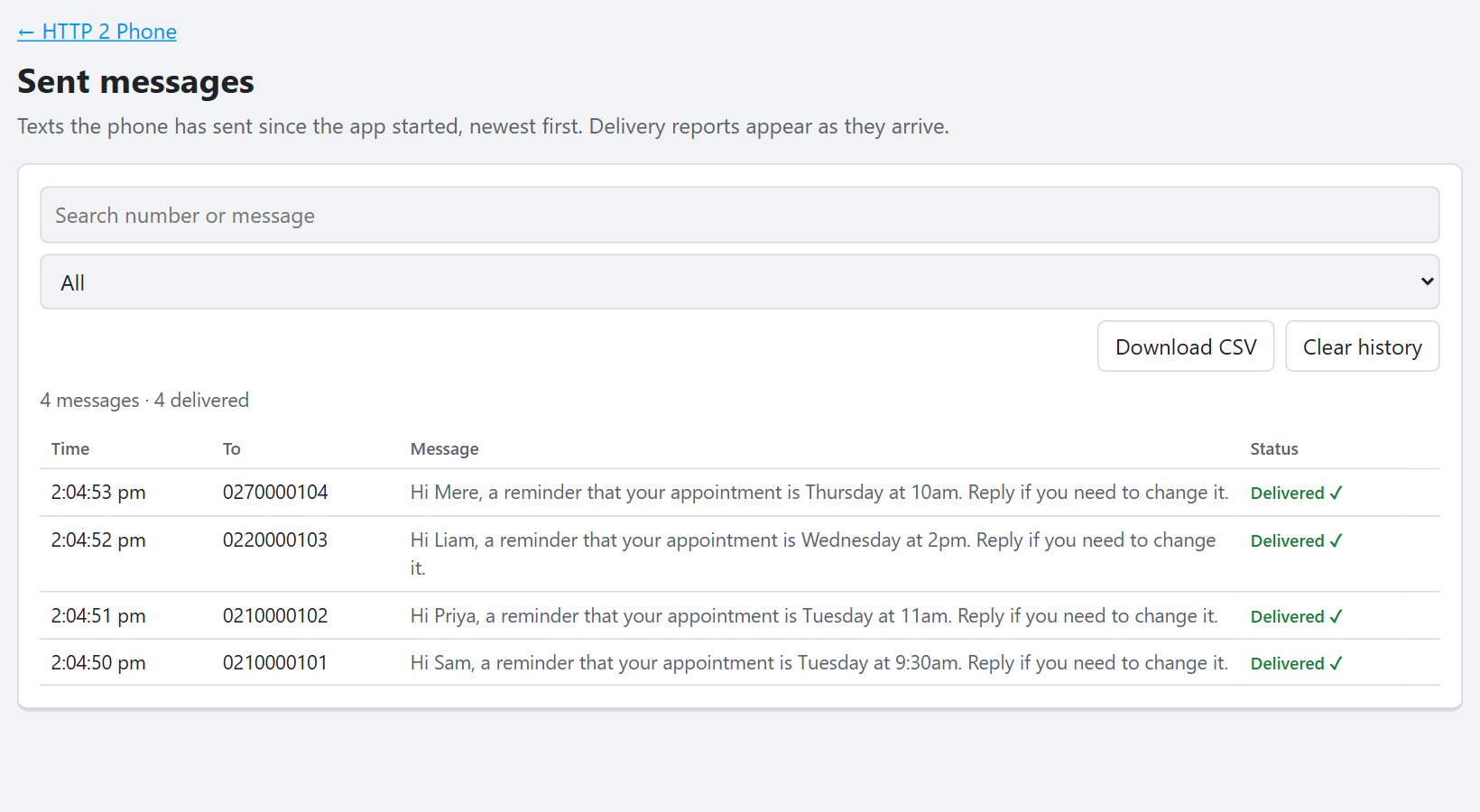
Every text sent since the app started is listed with its status, updated as delivery reports arrive from the network. Filter it, download it as CSV, or resend anything that failed.
Or just send one
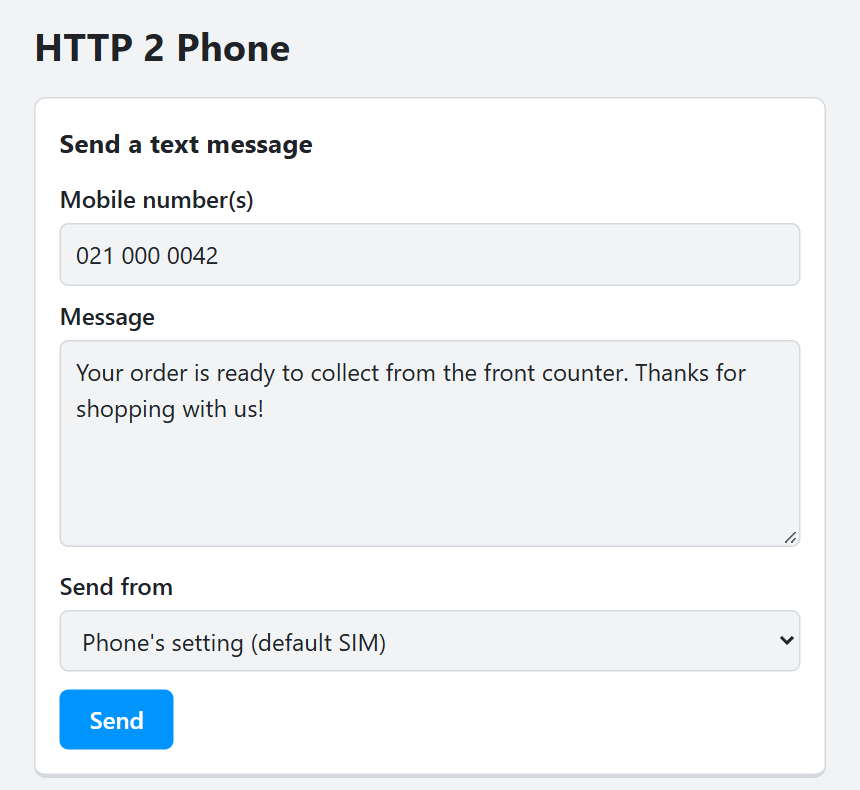
The home page is a plain form: number, message, send. On a dual-SIM phone you can also choose which SIM it goes from.
Built for scripts as well as people
Anything that can make an HTTP request can send a text: a shell script, a scheduled task, your own application or a home-automation system.
POST /sendsends to one or more numbers and replies once the phone has sent them, with message ids in anX-Message-Idheader.GET /status?id=12,13reports Sent, Delivered, Failed and so on for each message.GET /history.json,/contacts.jsonand/sims.jsonreturn JSON.- Text is UTF-8 throughout, so emoji and accented names work.
# Send a text
curl http://192.168.1.206:8080/send \
  --data-urlencode "phone=021 123 4567" \
  --data-urlencode "body=The build finished at 10:42"

# Sent
# X-Message-Id: 12

# Was it delivered?
curl "http://192.168.1.206:8080/status?id=12"

# 12 Delivered
# The same from PowerShell
Invoke-WebRequest http://192.168.1.206:8080/send -Method Post `
  -Body @{ phone = '021 123 4567'; body = 'Backup complete' }
We don't collect anything
There's no account, no analytics, no advertising and no server of ours involved. Your contacts and messages go between your phone and the browsers you approve on your own network, and nowhere else. Texts are sent by your mobile carrier like any other.
Get HTTP 2 Phone
HTTP 2 Phone is in testing and coming soon to Google Play.
What do I need?
An Android phone running Android 7 or later, with a SIM that can send texts, and a computer on the same Wi-Fi or network.
What does it cost to send?
The texts are ordinary SMS from your phone, so your carrier charges for them as usual, or counts them against your plan.
Does the phone need to stay on?
Yes: keep the app open while you use it. It keeps the screen on by default so Android doesn't pause it, so it's best with the phone plugged in.
Can I use it over the internet?
It's designed for your own network. The connection between the browser and the phone isn't encrypted, so use it on Wi-Fi you trust, such as at home or the office, not on public Wi-Fi.
Is it for marketing?
Only message people who expect to hear from you, and follow your country's rules on unsolicited messages. Carriers may block numbers that send spam.
Who makes it?
HTTP 2 Phone is made by LearnDelphi.tv and built with Delphi.